
Hybrid 4X4: turn the Octatrack into a live performance instrument
Hybrid 4X4 overview · 11 minutes. Three ways I use the template: stems, external gear, and a combined performance setup.
By Matthew Piecora, AKA, EZBOT
The Octatrack is still one of the most powerful pieces of gear in my studio because I can build my own performance effects inside it. Hybrid 4X4 puts 64 of those effects on a shared bus and leaves four tracks available for samples. I wanted the flexibility to play a set from stems, process external gear, or do both together.
There are some really dope effects in here. I can take a phrase I know well, mess with it using the crossfader, then resample the result and keep playing. That works with my own samples or audio coming in from another instrument.
Playing a set with four stems
I split the track into a kick and rumble, tops and snare, a main melody, and a second melody. I can pull the drums back without losing the musical phrase, or let a texture carry the transition while I choose what comes next. I don’t need every instrument that made the track in front of me.
That’s why I like working this way. Bouncing a four-, eight-, sixteen-, or thirty-two-bar phrase gives me something solid to start from. Muting layers and playing the effects makes the arrangement flexible again.
Hybrid 4X4 has four Parts: EARTH, AIR, FIRE, and WATER. Each has 16 scenes. Across those 64 effects are beat repeats, beat juggling, filters, experimental Hyper FX-style treatments, and automated gestures. I might let a riser build across a phrase or catch one hit with a short repeat. I’d learn a few scenes well before trying to use all 64.
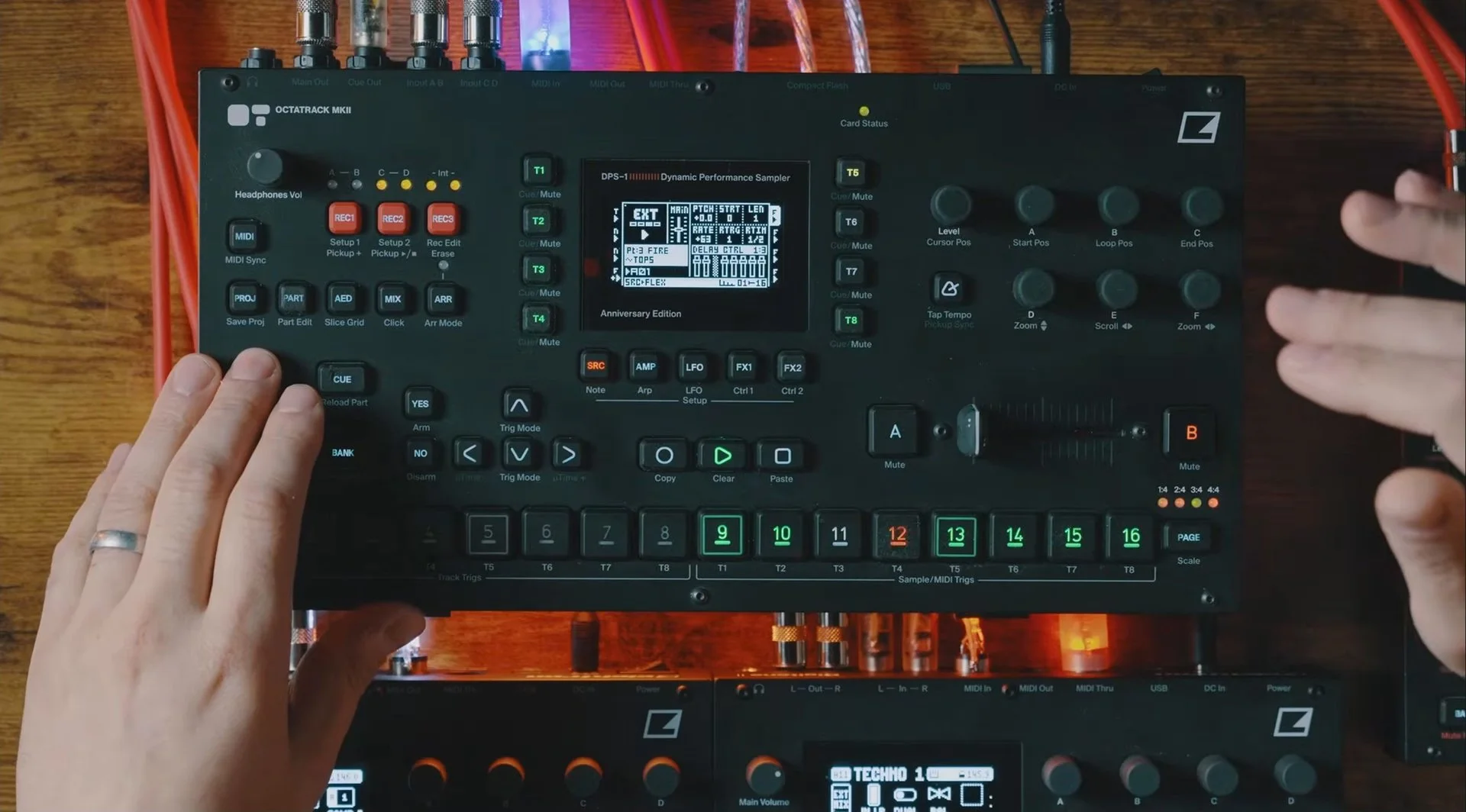
Keep the good accidents
I can send an M8 pattern through the same effects or record a Digitone phrase onto one of the source tracks. Once that phrase is captured, the Digitone is free for another idea while the recording keeps playing.
Resampling is where this gets really cool. An echo throw, stretched fragment, or tape-speed change can become the starting point for another phrase. I can put the new recording through the effects again, getting further from the original while keeping something I liked about it.
The routing needs to be right for that to work. Hybrid 4X4 uses a Cue-output return to the inputs, with the internal source tracks routed to Cue. Follow the manual for your download. For resampling, the current manual specifies MAIN OUT when you want to capture the effects from scenes 5–8. The default TRACK 3 recording source does not capture those effects.
For a first set, I’d keep it small. Load four equal-length stems onto tracks 5–8 and build an arrangement with mutes alone. Then choose one beat repeat and one longer transition from the scene map. Practice returning to the clean phrase on time. When a transition feels good, record it and hear what happens when it becomes part of the next phrase.
I want the return to the clean phrase to land properly. That’s what makes a wild transition work for me.
M8 through Hybrid 4X4 · 4:34 ↗ · Resampling and turnarounds · 5:54 ↗
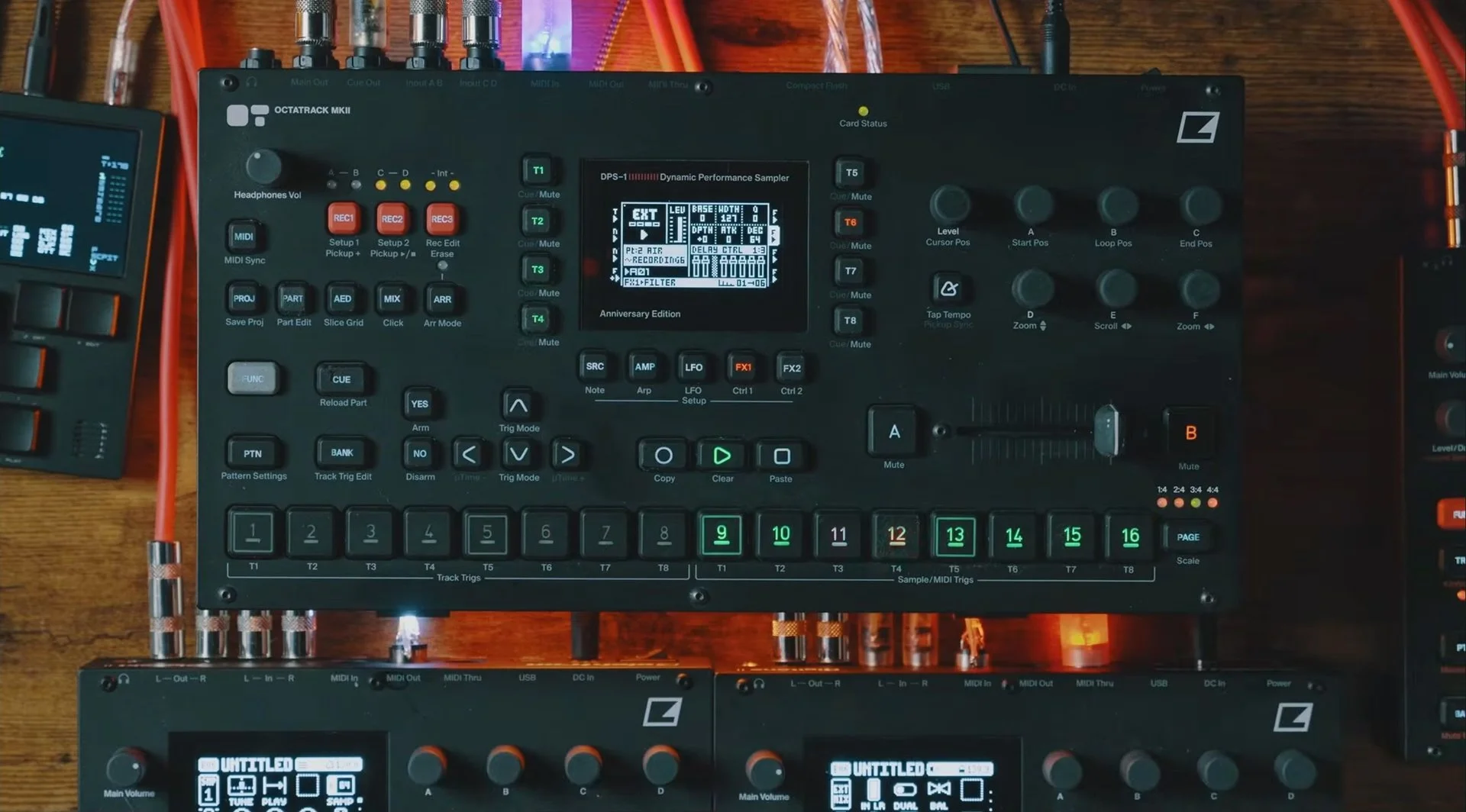
That’s why I call it Hybrid. I can play a set with just the Octatrack and stems, bring another instrument into the effects, or use both at once. I don’t have to build a different Octatrack project for each approach.
A scene reference right on the Octatrack
The Hybrid 4X4 magnetic overlay is now available at Modbang, my shop. It puts the scene reference on the Octatrack, where you can check it while you play.
Choose Hybrid 4X4 in the product page’s Template menu. The magnetic overlay fits the Octatrack MKII and is sold separately; the template itself supports MKI and MKII.
Get the Hybrid 4X4 magnetic overlay ↗
The demonstration above uses an earlier configuration. The current download is Hybrid 4X4 1.5.1, with Static and Flex options and a Hybrid 4X3 master-looper variant. Some scenes have changed, so use the manual and scene map included with your version.
Get Hybrid 4X4 on Ko-fi ↗, or explore my templates and ongoing projects on Patreon ↗.
If you are shopping for the instrument used here, these are Octatrack MKII retailer options. These are affiliate links. I may earn a commission at no extra cost to you.
US: zZounds ↗ · Guitar Center ↗ · Perfect Circuit ↗ · Sweetwater ↗
EU: Thomann ↗
If you want help building a set, understanding the routing, or making the template work with your own instruments, book a one-on-one lesson ↗. We can work through your setup together.
Join the email list ↗ for templates, sample packs, lessons, and the next IN THE STUDIO article.
Help keep the music going.
My YouTube channel and these articles are 100% supported by community donations and Patreon subscriptions. If you found something useful here, a tip helps me keep making and sharing this work. Thanks for being part of it.